
Share from Google Drive using Voltn
Voltn (formerly NetExplorer) adds a layer of security to your Google Drive shares: protected links, post-send control, and full traceability. Without changing how you work.

Protected links, control after sending

Compatible with Google Workspace
Why secure your Google Drive shares?
Google Drive excels at internal collaboration. It is when sharing externally that control diminishes.

Links can be forwarded indefinitely
Once distributed, a sharing link can be forwarded to anyone. You no longer choose who accesses the document.

Regaining control after sending is difficult
Wrong recipient, outdated document, sharing to be closed: once the link is sent, options are limited.

No visibility on access
Viewed? Downloaded? By whom, when? For contractual or sensitive exchanges, a lack of answers is a problem.

Unmet compliance requirements
GDPR, sensitive data, regulated sectors: some exchanges require hosting in France and guarantees that standard sharing does not provide.
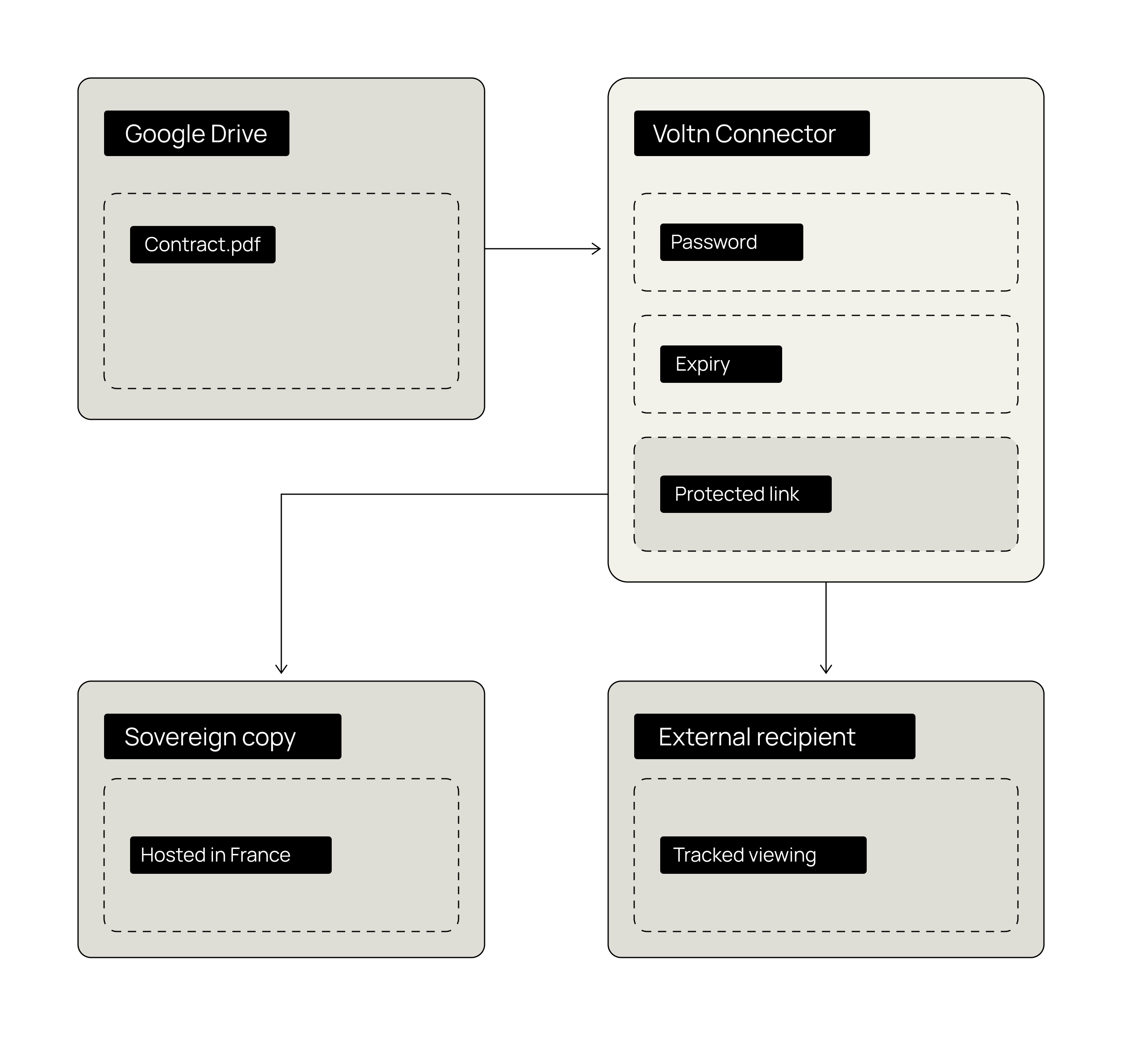
The promise of the Google Drive connector
Secure your Google Drive shares.
Maintain control after sending.
Modify or disable the sharing link at any time
Track every view and download.
Keep a sovereign copy, hosted in France.
How does it work?
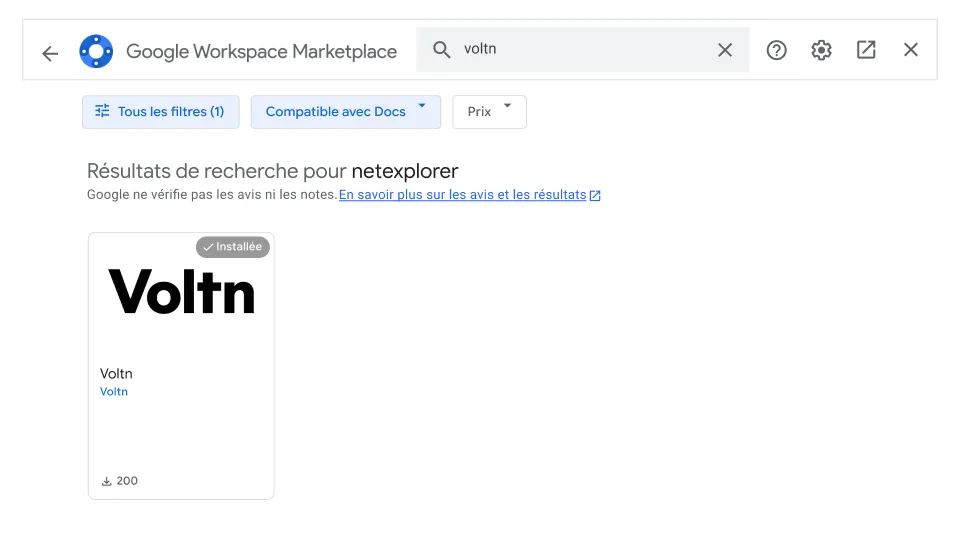
Installation
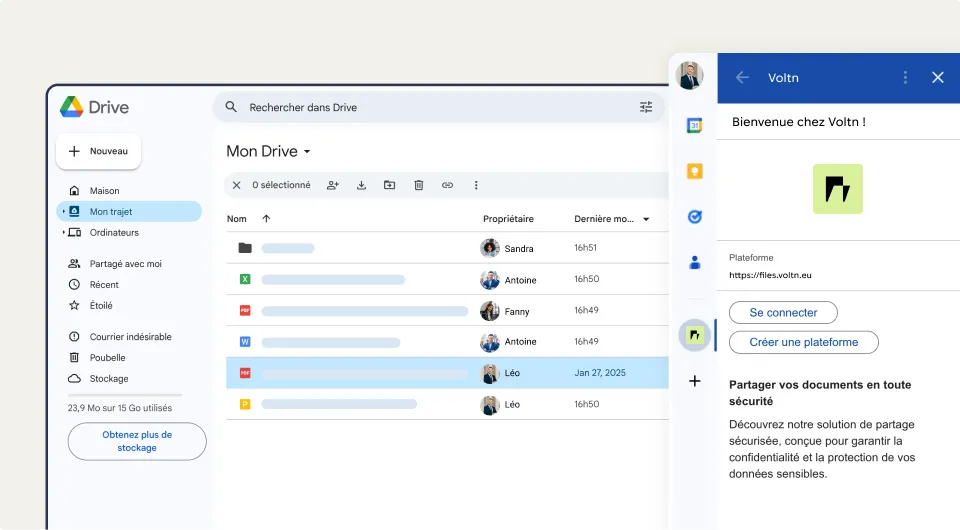
Link creation
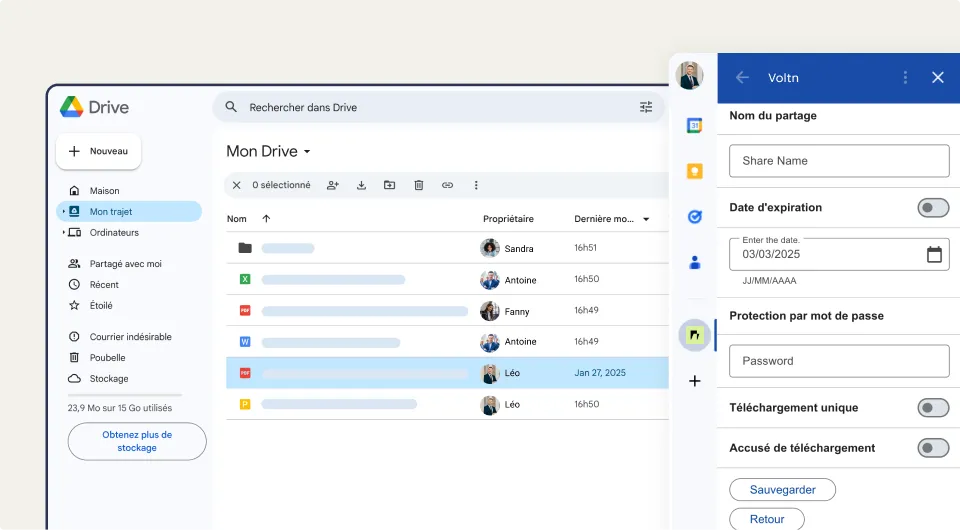
Security options
Tracking from Voltn
Install the connector
Create your secure sharing link
Protect every send
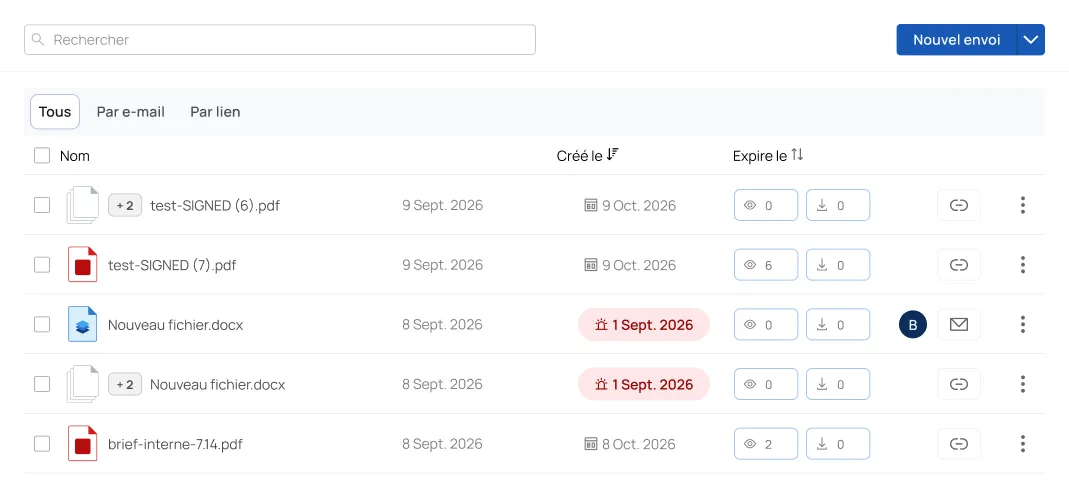
Track your shares in real time
Key benefits
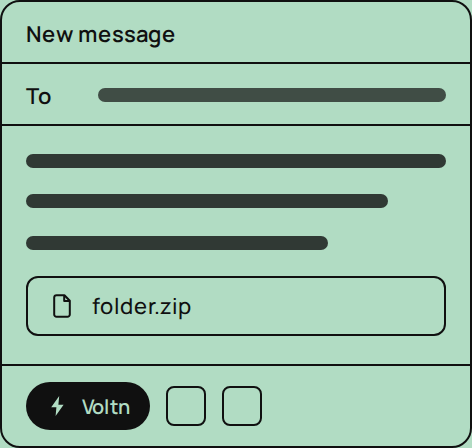
Simplicity
Your Google habits, preserved.
Control
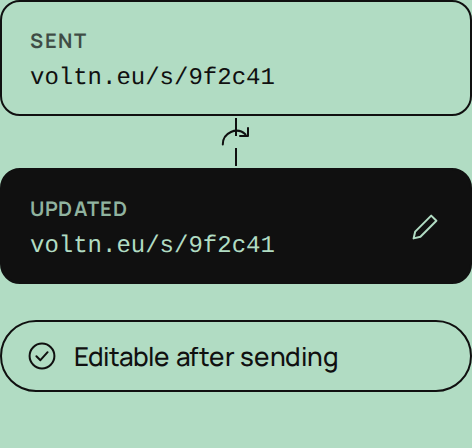
The link changes after sending.
Security
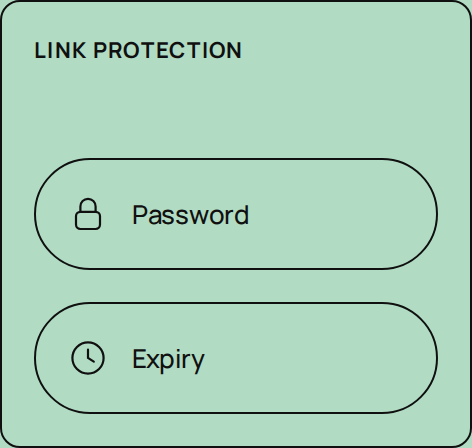
Password and expiration.
Traceability
Every download is tracked.
Control
A secure copy in France or Luxembourg
The Google Drive connector: what are the use cases?


External sharing of sensitive documents
Contracts, payslips, financial data: HR, legal, and finance teams share documents that must not circulate freely. The connector protects every send with a password and expiration date.

Correcting a sent file
Wrong recipient, outdated version, or a share that needs closing after a project: modify or deactivate the link at any time, even after it has been sent.

Tracking contractual exchanges
Quotes, contracts, official documents: knowing if a document has been downloaded, and when, is part of the exchange. Notifications and history provide the proof.
Discover more interconnection

Zapier

A secure, certified cloud hosted in Europe
Voltn brings together the most rigorous industry certifications for uncompromising security in a trusted cloud.
Fully controlled hosting
Voltn manages its own servers, hosted in France and Luxembourg in Tier 3+ and Tier 4 compliant data centers. Your data never leaves French territory and remains beyond the reach of the Cloud Act.
Advanced file protection
Every file is scanned and encrypted in real time. Integrated antivirus and ransomware detection protect your data at every step.
Certifications & compliance



FAQ
Where are files shared via the connector hosted?

A copy of every shared file is stored on your Voltn platform, hosted in France within Tier 3+ and Tier 4 data centers, in full compliance with GDPR.
Is the connector compatible with Google Workspace?
Yes, it works with the entire ecosystem: Google Drive, Docs, Sheets, and Slides. It integrates seamlessly into your environment without changing the way you work.
Can I send large files using the connector?
Yes, with no limits on size or format: videos, blueprints, or data exports. Transfers remain fast, with no compression or loss of quality.
Can you track who has downloaded a file?
Yes. You receive download notifications, including the date and time of access, and can view the full history directly from your platform. This is essential for contractual or sensitive exchanges.
Peut-on modifier un lien de partage après l'envoi ?
Yes. From your Voltn platform, you can modify the password, change the expiration date, or deactivate the link at any time, even after it has been shared.
How to secure a Google Drive share ?
Select your file in Google Drive, launch the Voltn connector, and generate a secure sharing link. Add a password or an expiration date based on the document's sensitivity, then send the link to your recipient.
What is the Voltn connector for Google Drive?
An extension that secures your shares directly from Google Workspace (Drive, Docs, Sheets, Slides): password-protected links, real-time download tracking, and access control after sending.

But let's be honest, our cloud-based file storage and sharing solution is much easier.