
The digital watermarking that protects your shared documents
Voltn (formerly NetExplorer) automatically marks your PDF files with a visible watermark or an invisible digital fingerprint. Each document carries a unique identifier: in the event of unauthorized distribution, you can trace it back to the source.

Hébergement 100 % européen

Visible & invisible watermarking
Why mark documents?
Once downloaded, a document leaves your perimeter. Without marking, it's impossible to know where it's circulating or who leaked it.


No control after download.
Access rights, expiration, traceability: everything stops the moment the file is saved to the recipient's device. The document then lives its own life, without you.

Leaks that are impossible to attribute.
When a confidential document appears where it shouldn't, ten people might have received it. Without marking, it's impossible to identify the source, and therefore impossible to take action.

No deterrent on the file itself.
A document without any markings holds no one accountable. Nothing reminds the recipient that this file was entrusted specifically to them, and that they are responsible for it.

Multi-stakeholder projects where an NDA isn't enough.
Tenders, negotiations, consortiums: the more stakeholders involved, the more the risk of unauthorized distribution is diluted. Contracts create obligations, but they don't provide traceability.
The Voltn Watermark promise
Mark each PDF with a unique identifier at the time of download.
Display a visible watermark with the recipient's name
Immediately deterrent.
Trace a leak back to its source
Even after re-sharing or printing.
Fine-tune marking activation
By user group or sharing type.
Why choose Voltn Watermark?
Description
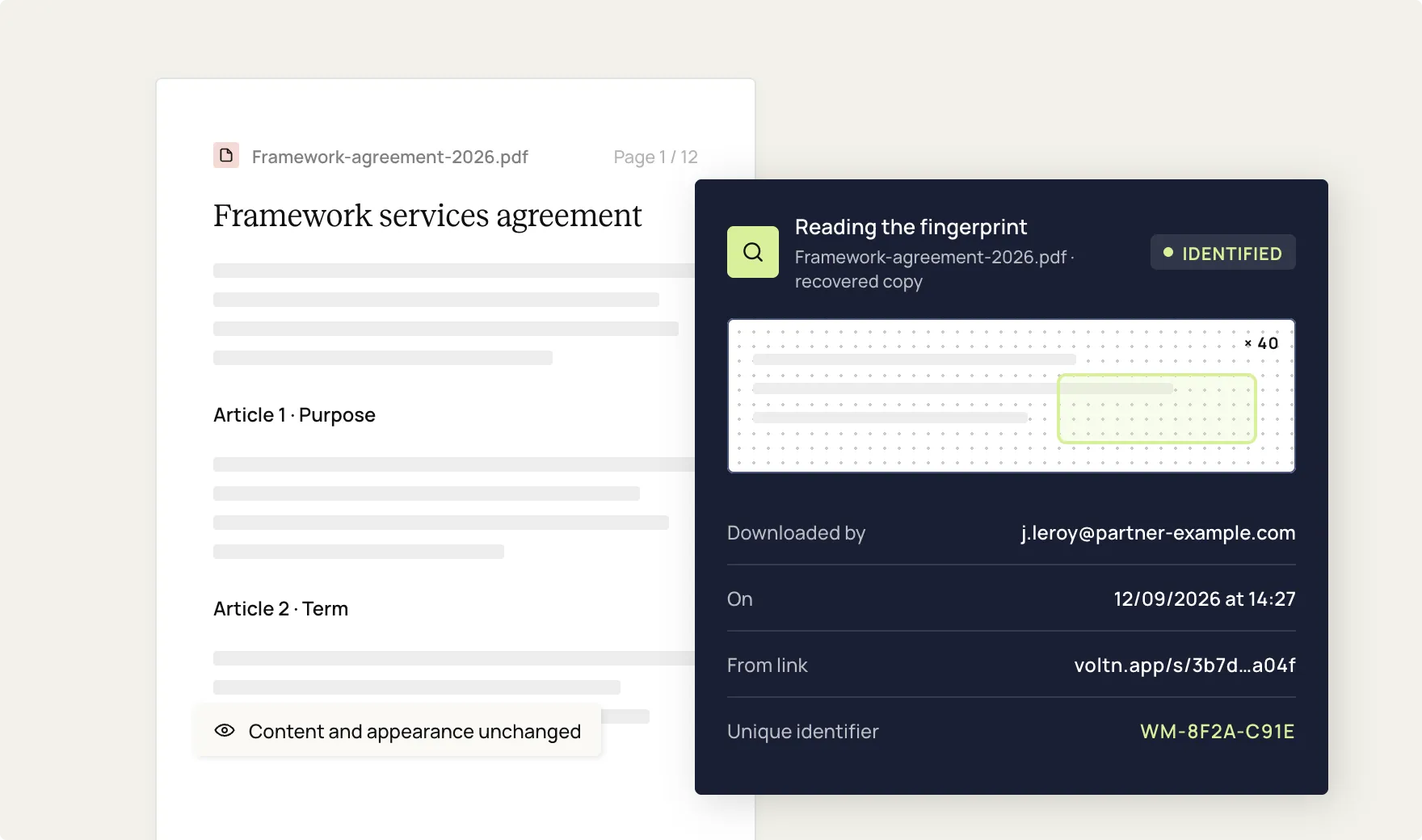
A discreet digital mark is embedded into the PDF file at the time of download, without altering its content or appearance. This fingerprint, designed to withstand re-sharing, modification, and printing, uniquely identifies the document's origin.
Usage
Identify the source of a leak and have tangible evidence to take action.
Description
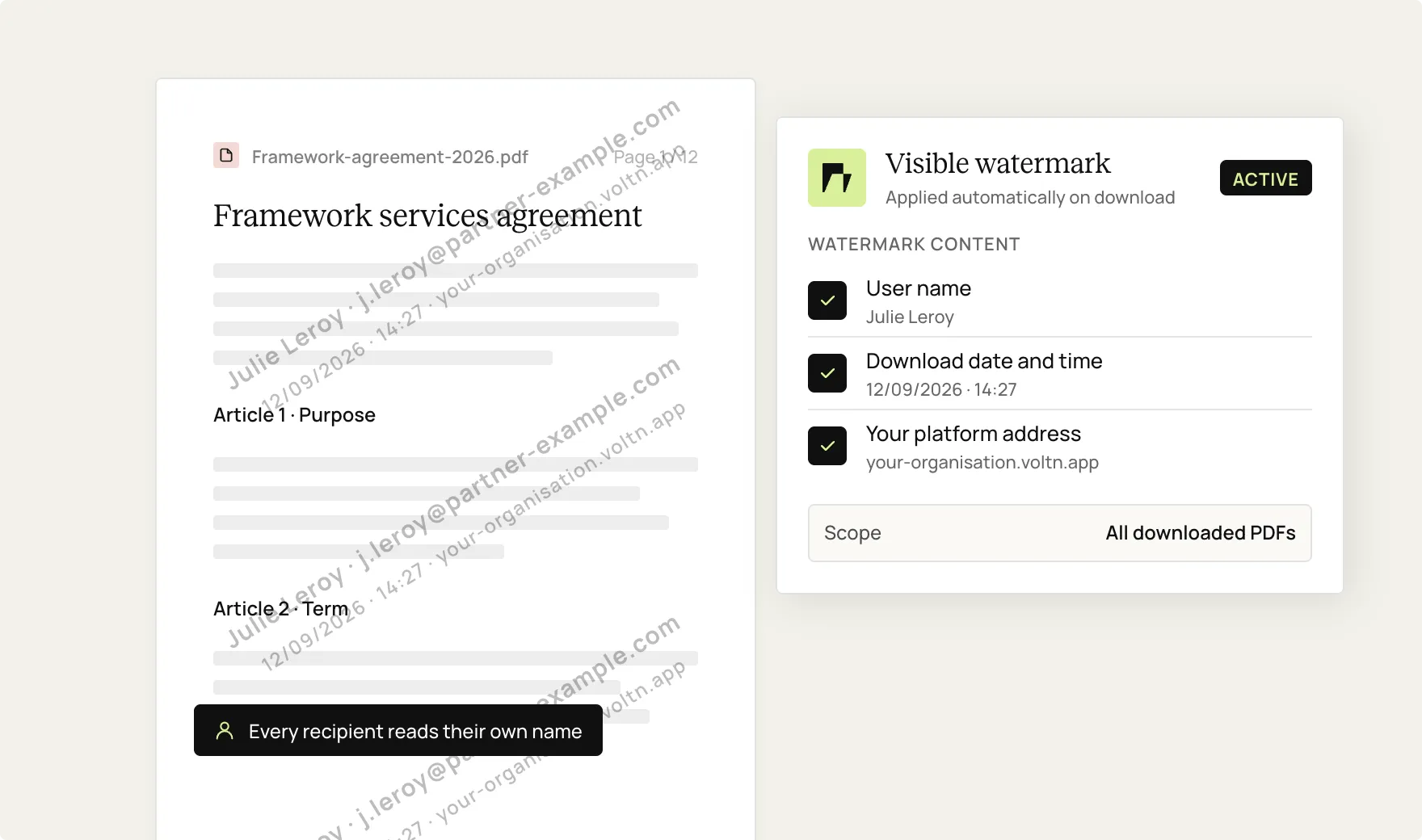
A watermark is automatically displayed on the file: user name, download date and time, and your platform address. Every recipient knows the document is marked with their name.
Usage
Immediately deter unauthorized copying, capturing, or sharing.
Description
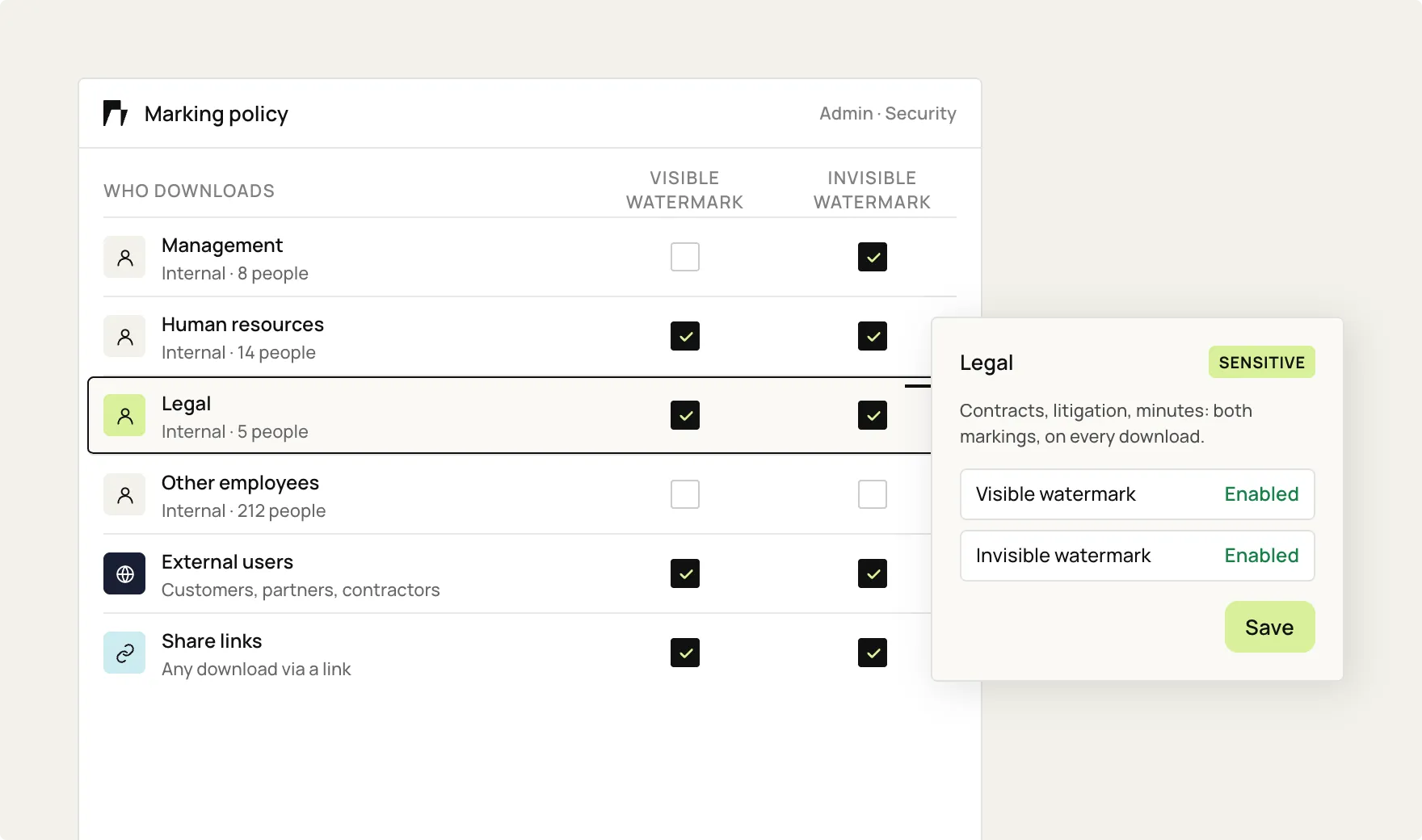
Marking can be enabled or disabled for internal user groups (management, HR, legal), for external users, or exclusively for downloads via sharing links. Your security policy adapts to real-world usage.
Usage
Build a marking policy tailored to the sensitivity of your files.
Bertrand Servary,
CEO of Voltn
"This technology was born from a strategic partnership with WATOO, a specialist in digital watermarking for businesses, and is natively integrated into the Voltn platform."

Key benefits
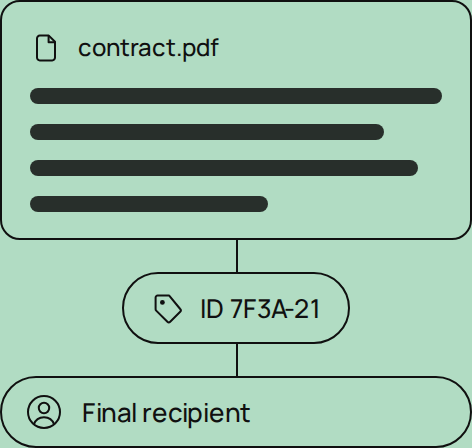
Traceability
Each file carries a unique identifier, right down to the final recipient.
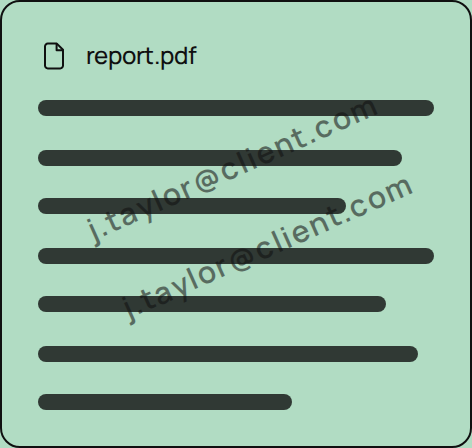
Deterrence
A watermark bearing the recipient's name limits leaks, whether intentional or accidental.
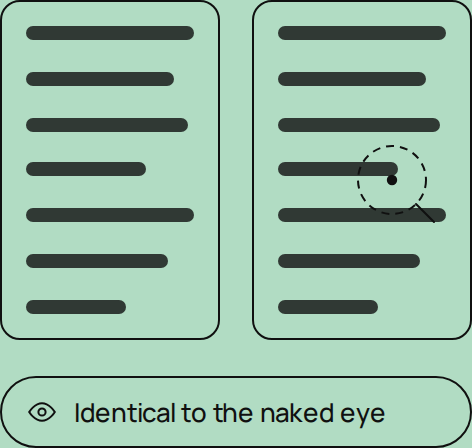
Discretion
Invisible watermarking does not alter the content or appearance of the file.
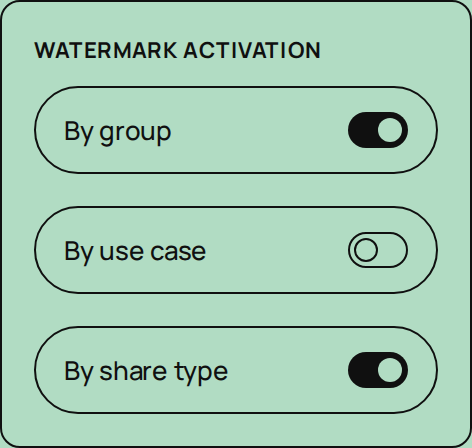
Granularity
Marking that can be activated by group, usage, or sharing type.
Control
French technology, natively integrated into the Voltn platform.
Setting up your Vault
1. Defining the marking policy
You choose the relevant groups, the types of sharing, and the content of the visible watermark.
2. Automatic marking upon download
Every downloaded PDF is watermarked on the fly, including those within ZIP archives generated from the platform.
3. Controlled distribution
The visible watermark reminds the recipient of their responsibility, while the invisible digital watermark silently tracks the file.
4. In case of a leak: source identification
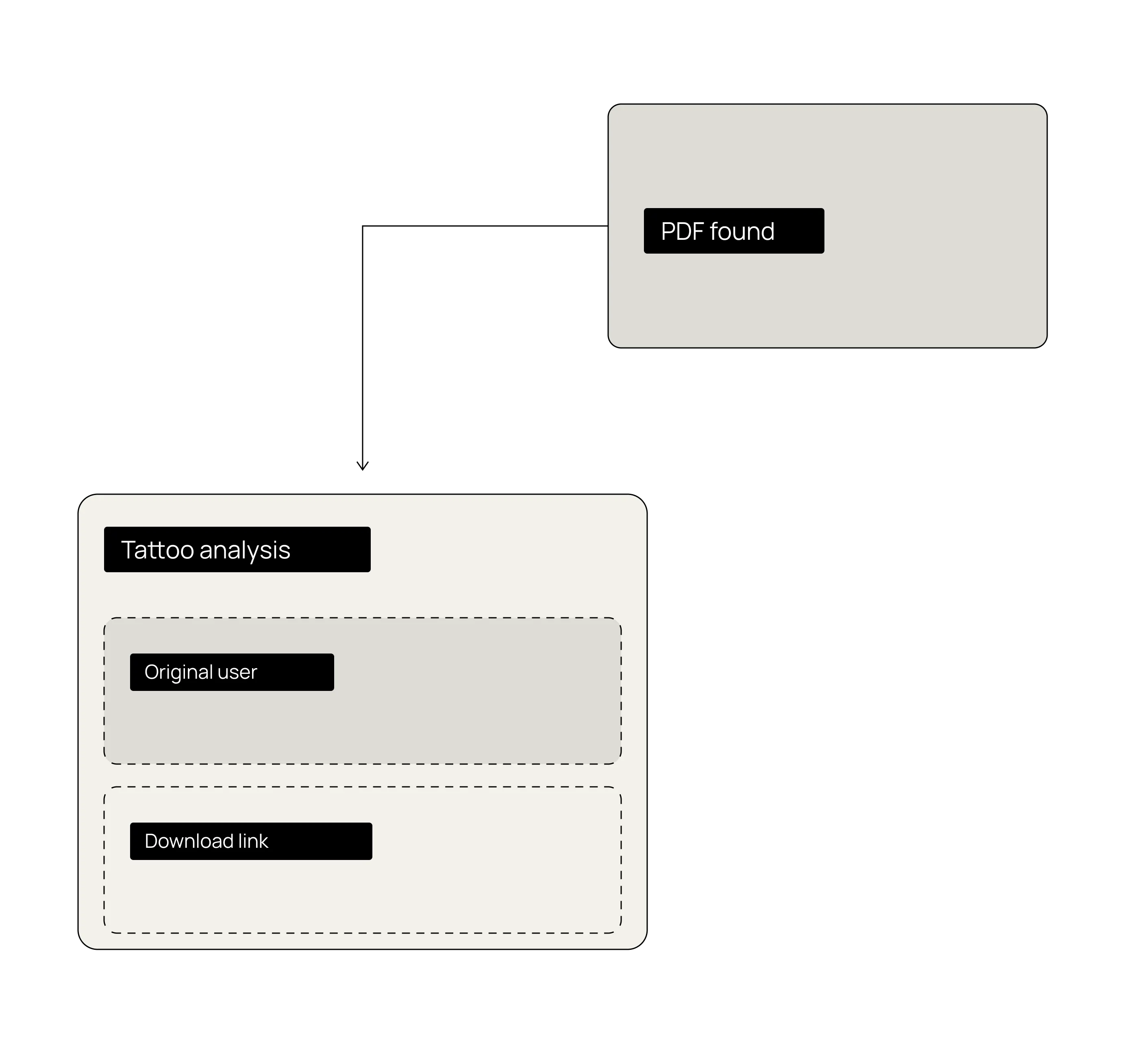
Analyzing the leaked file makes it possible to trace it back to the user or the original download link.

Des usages concrets, tous secteurs


Tenders & negotiations
Tender dossiers, proposals under negotiation, and documents sent to service providers: any file sent to a third party is beyond your control the moment it is downloaded. Voltn Watermark marks every PDF with the recipient's name and tracks its origin, even if the file is detached from the platform.
source identifiable in the event of a leak

HR & financial documents
Employment contracts, payslips, financial projections, and management reports: HR and finance departments handle an organization's most sensitive documents. With Voltn Watermark, these files are automatically marked upon every download, whether shared internally or with an external firm.
strengthened + identifiable point of origin

Strategic content & intellectual property
Pre-release brochures, market research, custom business proposals, and confidential product sheets: high-value content often circulates before its official release. Invisible tagging maintains the link between each copy and its recipient, while a visible watermark serves as a reminder that the document is not for public use.
protected from unauthorized reuse

Multi-stakeholder projects under NDA
Mergers and acquisitions, consortiums, co-development, and joint tenders: the more stakeholders involved, the more confidentiality is diluted. Voltn Watermark identifies each actor by marking their files: in the event of a dispute or leak, you have tangible evidence to react quickly.
in the event of a dispute
Discover our extensions
Voltn Sign
You'll be signing documents in no time.

Onboarding
Pricing
Voltn Watermark
Option enabled with an expert.

Advanced invisible PDF watermarking
Automatic visible watermark (name, date, platform)
Watermarking of PDFs within ZIP archives generated from the platform
Targeted activation by user group
Enhanced tracking for external downloads
Native integration with the Voltn platform
Otherwise, you could also stamp CONFIDENTIAL on every page.

FAQ
Is labeling compatible with all access methods?

No. Labeling does not apply to synchronization access methods (sync client, WebDAV, drive mounting, API) to avoid automatically labeling all synchronized files.
Does Voltn Watermark work for external sharing?
Yes, that is actually its primary use case: when a file is sent outside your organization via a download link, it is automatically watermarked.
Can I choose which users or shares are affected?
Yes. Watermarking can be enabled for specific internal user groups (management, HR, legal, etc.), for users outside the organization, or exclusively for downloads via shared links.
Which files are subject to watermarking?
PDF files, including those contained within a ZIP archive generated from the platform: each PDF in the archive is watermarked according to the defined rules.
How can you trace the source of a file shared without authorization?
Using invisible watermarking, designed to withstand re-sharing, modification, and printing. Analyzing the file allows you to trace it back to the user or the download link responsible for the leak.
Does watermarking change the document content?
No. Invisible watermarking does not change the content or appearance of the file. Visible watermarking is displayed as an overlay without altering the original document.
What is the difference between a visible watermark and invisible watermarking?
A visible watermark appears directly on the file, displaying the user's name, the date and time of the download, and your platform's address. Invisible watermarking embeds a discreet digital signature, undetectable to the naked eye, which allows you to identify the file's origin.
What is digital document watermarking?
Digital watermarking involves inserting a mark into a file to identify its origin. At Voltn, every downloaded PDF can be protected with a visible watermark, an invisible watermark, or both.

But let's be honest, our cloud-based file storage and sharing solution is much easier.